

Breathable, supportive seat that promotes a natural upright posture so you can stay focused and comfortable all day.
We may earn a small referral fee
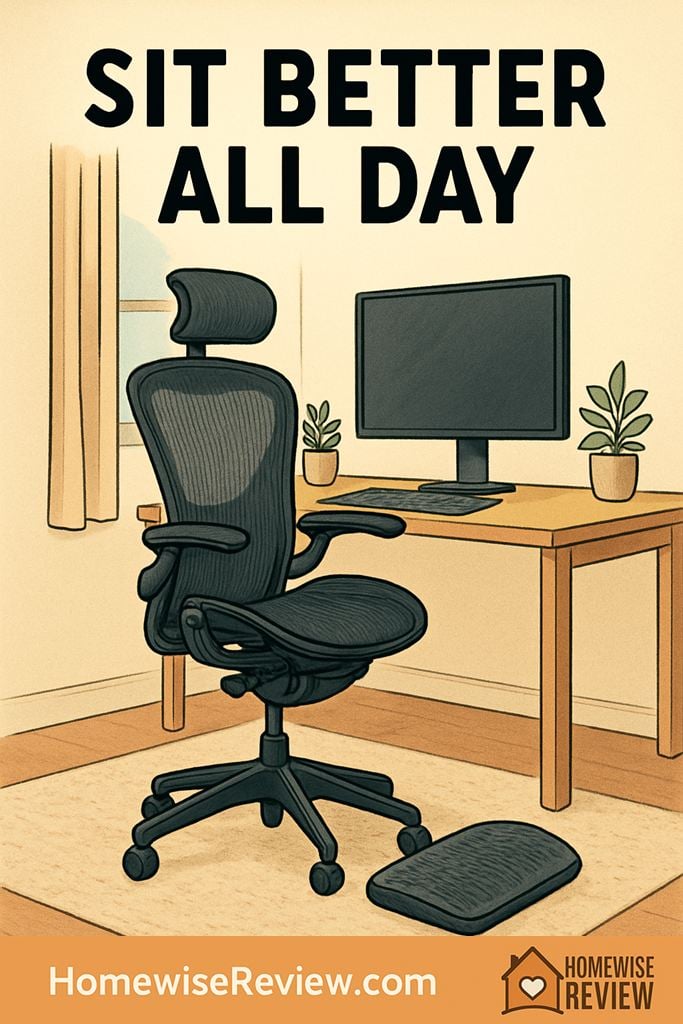
If your chair leaves you slumping, shifting, and rubbing your lower back by midafternoon, posture support is the missing piece. The right ergonomic chair keeps your spine neutral, your shoulders relaxed, and your focus on work instead of discomfort.
In-depth Reviews
Herman Miller Aeron Chair
- Excellent breathable support
- Encourages neutral upright sitting
- Fits multiple body sizes well
- Very expensive
- Less cozy if you like thick cushioning
Steelcase Leap
- Outstanding range of adjustments
- Backrest moves naturally with your spine
- Comfortable for task work and reclined work
- Runs warmer than mesh chairs
- Still priced in the premium tier
Haworth Fern
- Excellent upper-back freedom
- Supportive without feeling hard
- Great for long mixed-use sessions
- Upgrades raise the price quickly
- Lumbar feel depends on configuration
HON Ignition 2.0
- Strong value for a real ergonomic chair
- Useful adjustment range
- Breathable back for long desk days
- Not as refined as premium models
- Seat comfort is good, not luxurious
Humanscale Freedom Headrest
- Smart recline with very little tweaking
- Excellent support when reclining
- Clean, minimal control setup
- Arm behavior is divisive
- Less granular adjustment than Leap
Buying Guide
Three setup tweaks that make any chair work better
Start with seat height, not lumbar. Your feet should rest flat, your knees should sit about level with or slightly below your hips, and your lower back should make full contact with the backrest. If raising the chair gets your elbows into a good typing position but leaves your feet dangling, add a footrest instead of settling for poor leg support.
Next, set the armrests low enough that your shoulders stay relaxed. Too-high arms quietly create neck tension, while too-low arms encourage you to slump toward the desk. Pull the chair in close, keep elbows near your sides, and aim for wrists that stay neutral rather than bent upward as you type.
Finally, give the chair a real adjustment week. A setting that feels soft at first can turn into slouching after a few days, and a firmer lumbar setting often feels better once your body stops collapsing into it. Even the best ergonomic chair works better when you stand up regularly, shift positions, and keep your monitor close to eye level.
💡 Editor’s Final Thoughts
The Herman Miller Aeron is the top pick because it delivers steady lumbar support, excellent breathability, and the kind of fit that helps you stay aligned without constant tweaking. If you want deeper adjustability and a slightly more forgiving feel, the Steelcase Leap is the smartest alternative.
See also
Once your chair is sorted, a tidier desk can make it much easier to maintain good posture, so take a look at quick clean-up systems for a 15-minute workspace reset.
- Home Bluetooth speakers for a calmer, better-sounding workspace
- Bedroom fans for quiet, cool airflow after long desk days
- Home mold test kits for healthier work-from-home air
- Portable baby sound machines for naps while you work
Frequently Asked Questions ▾
What features matter most in an ergonomic chair for posture?
Start with adjustable seat height, seat depth, lumbar support, and armrests that move enough to keep your shoulders from creeping upward. A good recline matters too, because healthy posture is not perfectly still posture. The chair should support movement without dumping you into a slouch.
Is mesh or padded upholstery better for posture?
Neither is automatically better. Mesh usually feels cooler and often gives firmer, more consistent support, which many people like for upright desk work. A well-made padded chair can feel gentler and more forgiving, but low-density foam tends to flatten and encourage poor sitting habits over time.
Are expensive ergonomic chairs actually worth it?
They can be, especially if you sit for many hours most days. Higher-end chairs usually offer better fit, more durable materials, stronger warranties, and adjustments that are easier to fine-tune. That said, a well-chosen midrange chair with proper seat depth, arm movement, and reliable lumbar support can still be a big upgrade over a cheap chair.
Can an ergonomic chair fix back pain by itself?
No. A good chair can reduce strain and help you maintain better alignment, but it cannot fully compensate for a desk that is too high, a monitor that sits too low, or long stretches without movement. Think of the chair as one part of a healthier setup, not a complete cure.
How should I adjust a new chair on day one?
Set the seat height so your feet rest flat and your knees are about level with or slightly below your hips. Then adjust seat depth so your back stays against the backrest without pressure at the back of your knees. Finish with armrests that lightly support your forearms and a screen positioned close to eye level.
As an Amazon Associate, we earn from qualifying purchases made through links on our site.