

Adjusts widely so you can set seat height and depth to lock your lower body and stay comfortable through full workdays.
We may earn a small referral fee
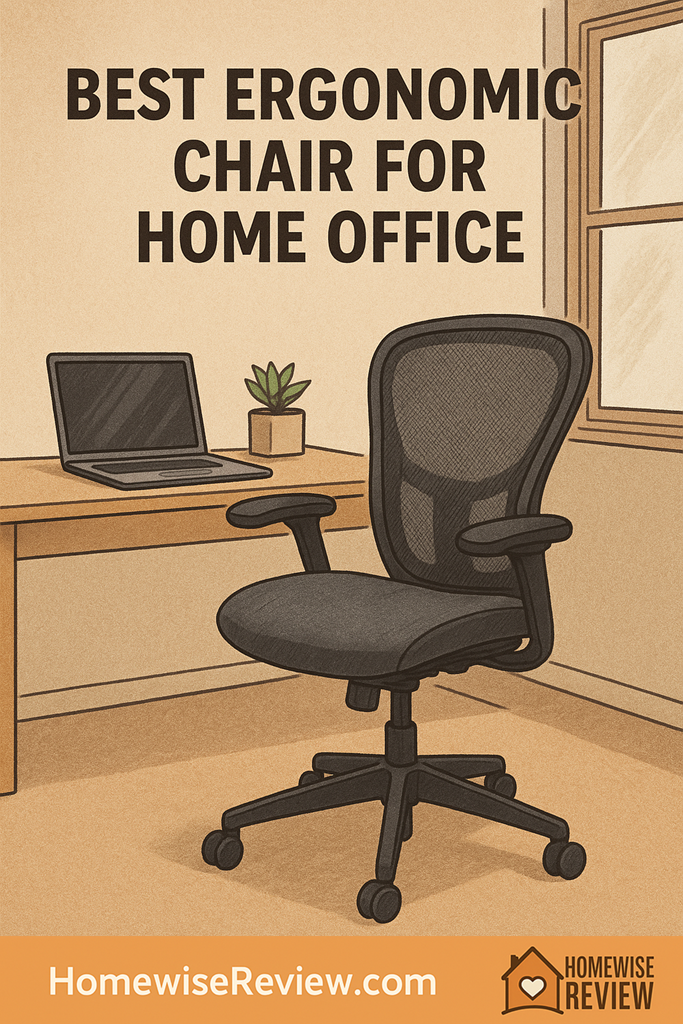
If your home office chair leaves you sore, stiff, or constantly shifting, it is costing you focus and energy. These ergonomic picks are the ones most likely to feel right for real workdays, not just quick sits.
✨ 2026 Spotlight
2026 Spotlight: Shoppers looking beyond the established favorites are also paying close attention to the Branch Ergonomic Chair Pro, Hinomi H1 Pro, and Sihoo Doro C300 for their strong adjustability, headrest options, and home-office-friendly pricing. This year’s standout interest is centered on chairs that combine easier seat-depth tuning, more adaptable lumbar support, and a less bulky footprint for smaller workspaces.
In-depth Reviews
Steelcase Leap (v2)
- Excellent all-day support without forcing one posture
- Arms adjust easily for keyboard and mouse work
- Feels stable while shifting and reclining
- Can take a few days of tweaking to find your personal “sweet spot”
- Upholstery can run warmer than mesh for some people
Herman Miller Aeron (Remastered)
- Very breathable, stays comfortable in warmer rooms
- Supportive feel that holds posture without constant readjusting
- Recline is smooth and controlled for breaks and calls
- Mesh feel is not for everyone, especially if you prefer a softer seat
- Sizing and options can be confusing to shop
Herman Miller Embody
- Back support feels flexible and responsive while you move
- Great for upper-back comfort during long computer work
- Encourages subtle posture changes instead of locking you in
- Distinct feel can be polarizing if you want a traditional cushy chair
- Adjustment process is less intuitive at first
Haworth Fern
- Supportive while you shift, twist, and change positions
- Comfortable recline for calls and thinking time
- Back feels flexible without feeling unsupportive
- Option choices can change the experience a lot
- Some people want stronger, more “directive” lumbar
HON Ignition 2.0
- Strong comfort and support for the money
- Recline works well for mixed task work and meetings
- Widely available and easy to live with
- Less “dialed-in” feel than premium chairs
- Some configurations have limited arm or lumbar adjustability
Buying Guide
5-Minute Fit Check: Dial In Any Ergonomic Chair
Step 1: Lock in your lower body first. Set seat height so your feet are fully planted and you are not sliding forward. If your desk is high and you raise the chair, add a footrest so your legs stay supported. Then set seat depth so you can sit all the way back without the front edge pressing behind your knees. This is the adjustment that prevents “perching,” which is a common cause of mid-back fatigue.
Step 2: Make the backrest do the work, not your core. Set lumbar so it fills the natural curve of your low back while you sit neutrally, not arched hard. Next, adjust recline tension so you can lean back with steady resistance and return upright without a big push. A good rule is that you should be able to recline during calls without your feet lifting or your shoulders creeping up toward your ears.
Step 3: Fix armrests so your shoulders relax. Raise or lower arms until your shoulders drop naturally and your forearms can rest lightly while typing, then bring them in close enough that your elbows stay near your sides. If armrests force your elbows wide, you will feel it in your neck and traps by the afternoon. Finally, check your monitor height: if you are craning forward, even the best chair will not save your neck.
💡 Editor’s Final Thoughts
Final verdict: The Steelcase Leap is our top pick because it fits the widest range of bodies and work styles, with adjustments that make it easier to stay comfortable through real, long home office days. If you run hot or love a breathable feel, the Herman Miller Aeron is the best alternative, while the HON Ignition 2.0 is the value pick that still gets the essentials right.
See also
If your long sitting days are bleeding into tired nights, start with our guide to better nighttime routines and pair it with bedroom alarm clocks for heavy sleepers so your recovery matches your work setup.
- Fast cleaning routines for very busy schedules
- At-home blood pressure monitors for consistent daily tracking
- Living room home theater speakers that sound great without fuss
Frequently Asked Questions ▾
How do I know an ergonomic chair actually fits me?
Fit is mostly about whether you can set three things correctly at the same time: feet flat on the floor (or a footrest), hips slightly higher than knees, and your back supported without pushing you forward. If you have to choose between reaching the floor and having comfortable arm height, the chair may be the wrong size or you may need a footrest. If the seat pan presses behind your knees even after adjusting seat depth, it is likely too deep for you.
Is lumbar support or seat depth more important?
Seat depth is the first gatekeeper because it affects circulation and how your pelvis sits, which then affects your whole spine. If your seat is too deep, you will perch forward and lose back support, even if the lumbar is great. If the seat is too shallow, you may feel unstable and slouch. Once seat depth is right, lumbar becomes the fine-tuning tool: it should fill the natural curve of your lower back without feeling like a hard “bump” pushing you out of the chair.
Do I need a headrest for home office work?
Most people do not need a headrest for typical computer work because you should not be resting your head while typing or mousing. Headrests help most when you recline for calls, reading, or short breaks, or if you have neck fatigue and you actually use recline during the day. A poorly positioned headrest can push your head forward, which is the opposite of what you want. If you buy one, prioritize adjustability and plan to use it mainly while reclined.
Mesh vs. foam: which is better for all-day comfort?
Mesh is great if you run warm, want a “float” feel, or dislike pressure points, but it can feel too firm or too taut for some body types. Foam upholstery can feel more forgiving and easier to settle into, especially if you like a softer seat, but it may trap more heat and can vary widely in quality. The practical test: after 60 to 90 minutes, you should not feel hotspots on your tailbone or thighs, and you should not feel like you are sliding forward or hammock-sagging.
What adjustments should I set first on day one?
Start in this order so each step supports the next. First set seat height so your feet are planted and your thighs are roughly level. Next set seat depth so you have a small gap behind your knees. Then set lumbar and backrest so you feel supported while sitting upright without bracing your core. After that, set recline tension so you can lean back smoothly and return easily. Last, set armrests just high enough to take weight off your shoulders without lifting them.
As an Amazon Associate, we earn from qualifying purchases made through links on our site.