

Standalone headset that avoids extra setup costs—play right away, access many games, and optionally connect to a PC later.
We may earn a small referral fee
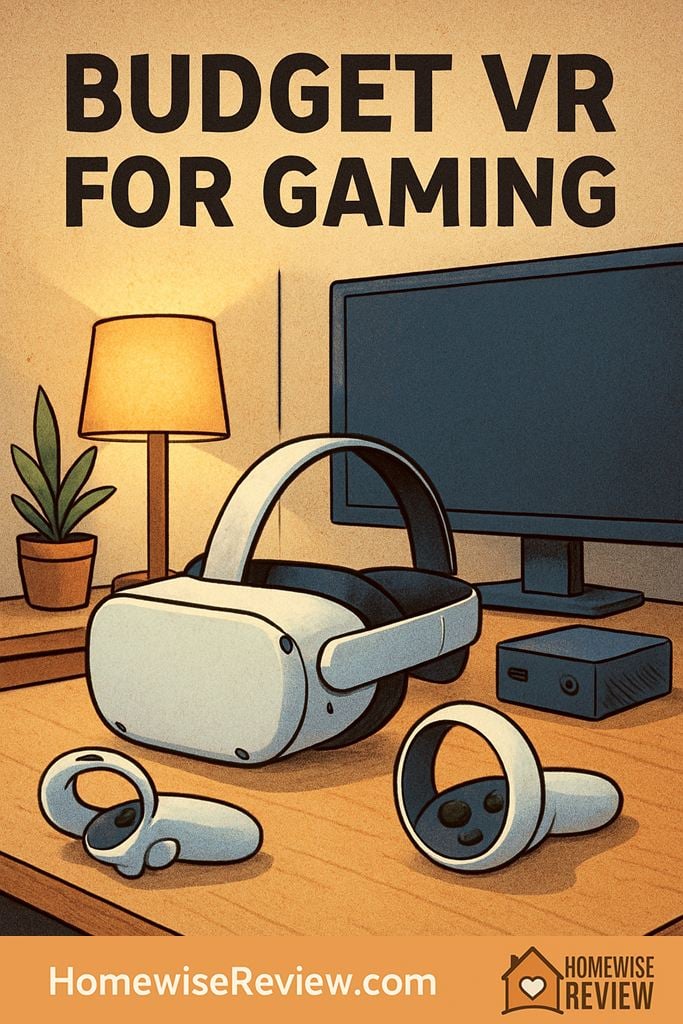
Cheap VR can feel like a smart buy or a fast regret. The best budget headset for gaming depends on your platform, your comfort needs, and whether you want standalone play or a wired setup with more power.
Budget VR shopping is tricky because the cheapest headset is rarely the best value. For gaming, you need solid tracking, enough comfort for longer sessions, and a library that makes the headset worth using after the novelty fades.
For most buyers, the sweet spot is not the absolute lowest price. It is the headset that keeps your total cost reasonable without cutting so many corners that the experience feels clunky.
What counts as a budget VR headset?
In VR, budget usually means one of three things: an affordable standalone headset, a discounted console headset if you already own the console, or a refurbished model with a return policy. The safest value zone is usually the low-to-mid tier where tracking, software support, and replacement parts are still easy to find.
- Under $200: Usually refurbished or used. Good deals exist, but condition matters a lot.
- $200 to $300: The strongest value range for most gamers who want real VR, not a toy.
- $350 and up: Better optics and newer hardware, but you are leaving true budget territory.
What is the best budget VR headset for gaming?
For most people, the Meta Quest 2 is still the best budget VR headset for gaming. It works as a standalone headset, can connect to a PC for larger VR libraries, tracks well enough for active games, and does not require base stations or a console to get started.
If you already own a PS5, PS VR2 can be the better value when discounted because the display and immersion are stronger. If you do not own the console already, it is no longer a budget choice.
| Headset | Best for | Main strengths | Main tradeoffs |
|---|---|---|---|
| Meta Quest 2 | Most budget shoppers | Standalone play, large game library, optional PC VR support | Basic stock strap, older lenses, average battery life |
| Refurbished Meta Quest 2 | Lowest-cost safe buy | Best entry price if sold with warranty or returns | Battery wear and cosmetic condition can vary |
| PS VR2 | PS5 owners | Excellent OLED image, strong immersion, polished exclusives | Requires PS5, wired setup, smaller library than Quest |
| Meta Quest 3 | Buyers who can stretch the budget | Sharper optics, better passthrough, more headroom for future games | Costs much more, so it is better value than budget |
Why Meta Quest 2 is still the safest budget pick
It keeps the total price under control
A budget headset should not force you into more spending just to function. Quest 2 works on its own, so you can start playing without a gaming PC, base stations, or a console. That matters because many cheap PC-only options get expensive once you add the rest of the setup.
It has enough games to feel like a real platform
Good budget tech lasts because it has a deep library, not just a low price. Quest 2 can run popular standalone games like Beat Saber, Superhot VR, and Resident Evil 4 VR, and it can also connect to a PC through Air Link or a cable for SteamVR titles if your computer is strong enough.
Tracking is good enough for active play
Inside-out tracking on Quest 2 is not perfect in every lighting condition, but it is reliable enough for rhythm games, shooters, fitness apps, and room-scale play. For most players, that matters more than chasing a spec sheet number that looks better on paper.
Its weaknesses are manageable
The stock strap is only okay, the headset can feel front-heavy, and the lenses are not as crisp as newer pancake designs. Even so, those are easier issues to live with than weak tracking, a thin game library, or a headset that needs extra hardware before you can play.
When another option makes more sense
Choose PS VR2 if you already own a PS5
If your console is already set up, PS VR2 can be a smarter buy than a cheaper headset with more compromises. Its OLED panels, controller haptics, and eye tracking make games feel richer and more premium. The catch is simple: it only makes financial sense if the PS5 cost is already off the table.
Stretch to Meta Quest 3 if blurry optics bother you
Quest 3 is not a budget model, but it is the headset to consider if you care about lens clarity and want something that will feel newer for longer. The pancake lenses give you a cleaner, easier-to-focus image, and the mixed reality features are noticeably better. If you can afford the jump, it may save you from wanting to upgrade too soon.
Buy refurbished if your budget is firm
A manufacturer-refurbished or retailer-refurbished headset is often the sweet spot. Look for a real return window, clean lenses, responsive controllers, and a battery that still holds a solid charge. If a listing is missing controllers or hides the lens condition, move on.
Features that matter more than the box price
When you compare affordable VR headsets, a few features decide whether the experience feels fun or frustrating. These deserve more attention than flashy marketing terms.
- Tracking quality: Bad tracking ruins sword games, shooters, and fitness titles fast. Reliable controller tracking is more important than bragging rights.
- Comfort: A headset that feels heavy after 20 minutes will not get used much. Weight balance, strap quality, and face padding matter.
- Lens clarity: Newer lenses make text easier to read and reduce edge blur. Older headsets can still be fun, but clarity is one of the first places you notice age.
- Refresh rate and motion comfort: Smoother motion can help reduce discomfort for some players. If you are sensitive to motion sickness, this matters.
- Game library: A cheap headset with weak software support is not a deal. Make sure the games you want are actually available on the platform.
- Fit and IPD adjustment: If the headset does not fit your eyes well, even a good display can look wrong. This is especially important if multiple people will use it.
This is where many budget buys go sideways. The headset price is only part of the story.
- Better strap: Many entry-level headsets feel much better with an upgraded strap.
- PC connection gear: You may need a quality cable or stronger Wi-Fi setup for PC VR.
- Lens inserts or glasses spacer: Important if you wear glasses and want to avoid scratches.
- Replacement face interface: Helpful for comfort, sweat control, and easier cleaning.
- Storage and charging extras: Cases, docks, and spare batteries add up.
Before you buy, total up the accessories you are likely to want in the first month. A cheap headset can easily become a mid-priced setup once comfort and connectivity are sorted out.
How to choose the right budget VR headset
- Start with your platform. No gaming PC or console? A standalone headset is the easy answer. Already own a PS5? PS VR2 deserves a serious look.
- Set a real budget, not just a headset budget. Include at least one comfort or connectivity accessory if you know you will need it.
- Match the headset to your games. Active games need good tracking and comfort. Sim and seated games care more about image quality and PC support.
- Check your space. Make sure you have a clear area to swing your arms safely, or plan to use seated mode for calmer games.
- Compare new, refurbished, and used. The best bargain is often refurbished with returns, not the absolute cheapest listing.
What to avoid when shopping cheap VR
- Phone-based viewers if your goal is real gaming. They are fun experiments, not a modern VR gaming solution.
- Very old Windows Mixed Reality headsets unless you enjoy troubleshooting and limited long-term support.
- Listings without controllers because replacing controllers is often expensive and annoying.
- Scratched lenses or sun damage since display damage is hard to ignore and not usually worth fixing.
- No-return marketplace deals from sellers who cannot show the headset working properly.
A low price only helps if the headset is easy to set up, easy to keep clean, and still supported well enough to enjoy for more than a few weeks.
💡 Editor’s Final Thoughts
For most shoppers, Meta Quest 2 is the best budget VR headset for gaming because it keeps the total cost reasonable while still offering strong tracking, a large library, and optional PC VR support. If you already own a PS5, PS VR2 is the better performance value when the price is right. The smartest budget buy is the one you can use comfortably and afford to keep using.
See also
To make VR feel more immersive without replacing your headset, start with the best home audio systems for fuller game sound.
- Portable fans that help during long VR sessions
- Quiet bedroom fans for a low-noise gaming setup
- Home karaoke machines for party-ready rec rooms
- Bedroom mini fridges for drinks, snacks, and spare batteries
Frequently Asked Questions ▾
Is Meta Quest 2 still good enough for gaming?
Yes. If your priority is value, Quest 2 still delivers a strong core VR experience with good tracking, plenty of games, and optional PC connectivity. You give up some clarity and newer mixed reality features, but the gaming experience itself is still very good for the money.
Should I buy a used VR headset?
You can, but only if you check the details carefully. Look for clean lenses, working controllers, a healthy battery, original charging gear, and a seller or store with returns. Refurbished units are usually the safer budget move because they reduce the chance of surprise wear or hidden damage.
Do budget VR headsets work with SteamVR?
Some do. Quest 2 is the easiest budget option because it can play standalone games and also connect to a VR-ready PC for SteamVR. Console headsets are more limited outside their own platform, so always check compatibility before you buy.
How much space do I need for VR gaming?
You do not need a huge room, but you do need a safe one. Clear enough space to extend both arms and take a step or two without hitting furniture, lamps, or a wall. If space is tight, seated games and stationary experiences are often the better fit.
As an Amazon Associate, we earn from qualifying purchases made through links on our site.