

Auto-leveling, steady extrusion, and simple setup make this a plug‑and‑print starter that delivers reliable first layers.
We may earn a small referral fee
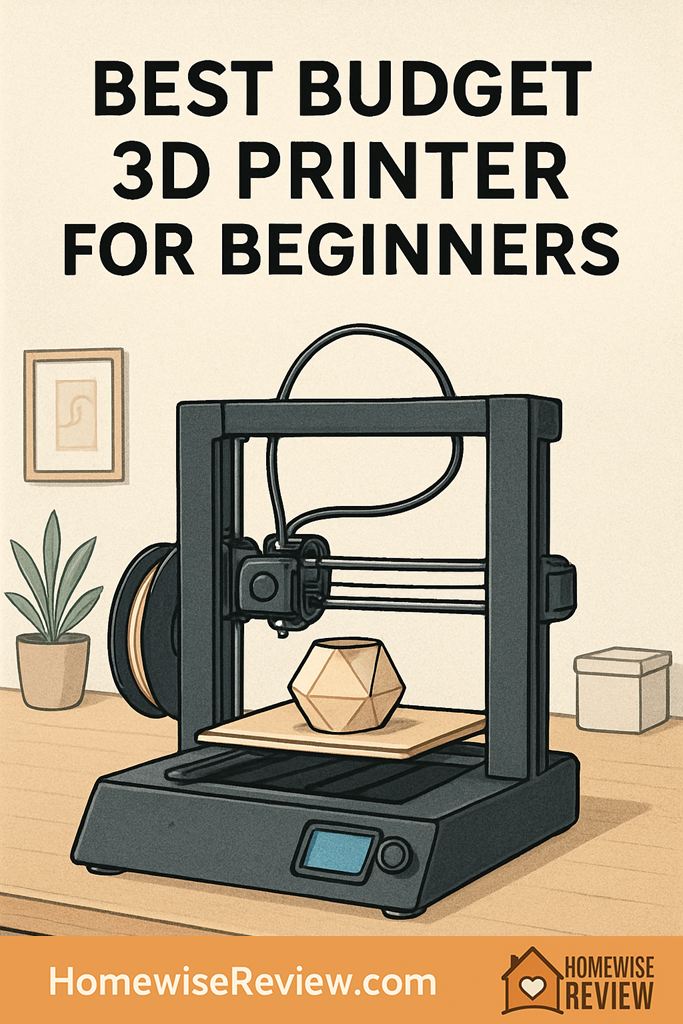
You want your first 3D printer to actually print, not become a weekend-long troubleshooting hobby. These budget picks balance easy setup, dependable first layers, and print quality that makes learning fun.
In-depth Reviews
Creality Ender 3 V3 SE
- Easy first layers with auto leveling
- Good print quality without constant tweaking
- Huge community for profiles and troubleshooting
- Occasional QC issues mean you should check assembly carefully
- Stock cooling can struggle on tiny, detailed parts at higher speeds
Bambu Lab A1 mini
- Very consistent results with minimal tuning
- Beginner friendly software and workflow
- Great for small, clean prints and prototypes
- Smaller build volume than many budget bedslingers
- Replacement parts and ecosystem can be more proprietary
ELEGOO Neptune 4
- Fast prints when tuned well
- Good value for the feature set
- Room to grow into more advanced settings
- Speed printing demands better tuning and filament consistency
- Fan noise can be noticeable in a quiet home
Anycubic Kobra 2 Neo
- Reliable everyday printing once you set a solid profile
- Beginner friendly leveling process
- Good balance of speed and quality
- Documentation can feel light for true beginners
- Some units benefit from a careful re-check of factory assembly
Sovol SV06
- Strong hardware value for the money
- Great for functional parts and practical prints
- Plenty of upgrade paths if you enjoy tinkering
- More setup and calibration effort than the easiest options
- Support experience can vary compared to premium brands
Buying Guide
What We Wish We Knew Before Buying a First Budget 3D Printer
Your first layer is basically everything. Before you chase advanced settings, focus on three habits: clean the build plate (dish soap and warm water works better than you would think), run the leveling routine when anything changes, and slow the first layer down. When prints fail, it is usually not “the printer is bad.” It is usually bed adhesion, temperature, or filament condition.
Filament storage matters sooner than you think. PLA can tolerate a normal home for a while, but humidity eventually shows up as stringing, rough surfaces, and brittle snapping at the spool. If you want the cheapest quality boost, store spools in a sealed bin with desiccant, and consider a basic filament dryer once you expand into PETG or leave spools out for weeks.
Start with a small “win” file and one trusted profile. Pick a simple calibration cube, a single-color organizer, or a popular test model, then print it with the manufacturer’s recommended PLA settings. Once you get a clean result, save that profile and treat it like your home base. It is tempting to tweak five settings at once, but changing one variable at a time is what helps you learn quickly and avoid that spiral of random fixes.
Worth Knowing Before You Buy
Most early print failures are user setup mistakes, not printer defects. If you do not keep the build plate clean, re-level after changes, or store filament dry, expect bad first layers, stringing, and brittle parts, then hours wasted blaming the machine. If you want a budget printer that works with little upkeep, this is the wrong expectation to bring into the purchase.
💡 Editor’s Final Thoughts
Final Verdict: For most beginners on a budget, the Creality Ender 3 V3 SE is the best starting point because it balances dependable auto leveling, straightforward operation, and strong community support. If you want the easiest “just hit print” experience and can spend a bit more, the Bambu Lab A1 mini is the smoothest on ramp.
See also
If you are setting up a whole “maker corner” at home, Best Home Bluetooth Speakers for Every Room and Budget is a handy companion for longer print sessions.
- Blemish concealers that look natural in real life
- Beginner friendly sunless tanners with less streaking and smell
- Supportive bras that lift comfortably
- Drugstore shampoos that help calm frizz
Frequently Asked Questions ▾
How much should a beginner spend on a budget 3D printer?
For a first printer, the sweet spot is usually the price range where you get auto bed leveling, a stable frame, and an extruder that feeds consistently without constant adjustment. The very cheapest printers can print fine, but they often cost you extra time in calibration, bed adhesion battles, and replacing small parts. If your goal is learning design and printing basics instead of wrenching, spending a bit more up front typically saves frustration.
Do I need an enclosure for my first printer?
Not always. For PLA and many beginner projects, an open frame printer in a draft free spot is usually enough. You start needing an enclosure when you print materials that warp more easily (like ABS), when your room has strong temperature swings, or when you want extra safety around curious kids and pets. If you do add an enclosure later, prioritize ventilation and keeping electronics from overheating.
What filament should I start with as a complete beginner?
Start with PLA from a reputable brand and keep it simple: one solid color, standard diameter, and no special blends until you have a handful of wins. PLA prints at relatively forgiving temperatures, sticks well to most beds, and is ideal for learning slicer settings like layer height, supports, and infill. Once you can reliably print PLA, PETG is a great next step for tougher parts, but it usually needs a little more tuning to reduce stringing.
What are the most common beginner mistakes that cause failed prints?
The biggest culprit is a poor first layer. Clean the bed, re run leveling if anything changes, and slow down the first layer so the filament has time to grip. The next common issue is printing too hot or too fast for your specific filament, which can cause stringing, blobs, and messy corners. Finally, do not ignore wet filament: if you hear popping or see rough, bubbly extrusion, dry the spool and store it better.
What upgrades are actually worth it on a budget printer?
Skip the flashy add ons at first. The upgrades that consistently help beginners are practical ones: a good build surface you understand (PEI is popular because it is consistent), a simple filament dry storage solution, and quality nozzles if you print abrasive filaments later. If your printer is noisy or on a wobbly surface, a sturdy table and vibration damping feet can improve print consistency more than you would expect. Most other upgrades are only worth it after you can diagnose a problem clearly.
As an Amazon Associate, we earn from qualifying purchases made through links on our site.