

Quick to place, battery-powered, and records locally so you get reliable motion alerts on the go without a full smart-home setup.
We may earn a small referral fee
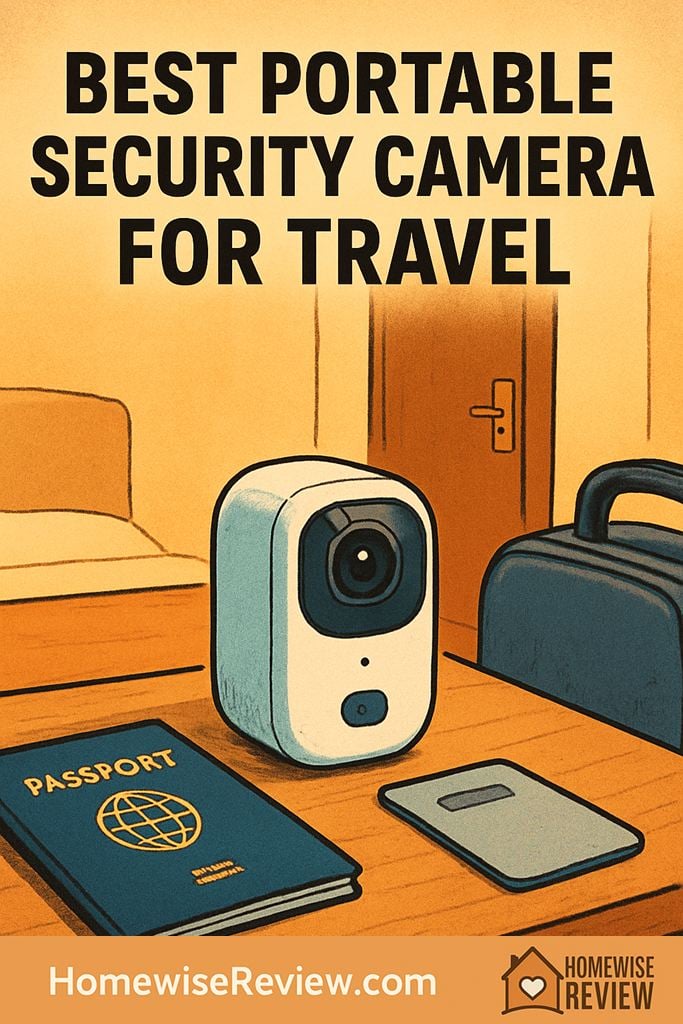
You want eyes on your hotel room, rental, or campsite without hauling a full smart home setup. These portable security cameras are easy to pack, quick to place, and dependable when you’re on the move.
In-depth Reviews
Reolink Argus 3 Pro
- Reliable alerts with useful controls
- Local recording keeps costs predictable
- Night clips are more usable with extra light
- Wi-Fi compatibility can be limiting in some stays
- Takes a few minutes to tune alert settings
Eufy SoloCam S220
- No monthly fee for recordings
- Less charging hassle on longer trips
- Simple, self-contained setup
- Needs decent light exposure to stay topped off
- Onboard storage is not unlimited
Arlo Go 2
- Works even when Wi-Fi is unavailable
- Flexible placement for cars, cabins, or work sites
- Polished app experience for remote check-ins
- Cloud recording typically requires a paid plan
- Cellular use can drain battery faster
Ring Stick Up Cam Battery
- Very smooth onboarding and daily use
- Plenty of mounting and placement options
- Strong Alexa integration for quick check-ins
- Recording features often require a paid plan
- Image detail can lag behind higher-resolution rivals
TP-Link Tapo C225
- Covers more of the room without repositioning
- Strong value for indoor monitoring
- Local storage is simple for short trips
- Requires a power outlet
- Not designed for outdoor use
Buying Guide
Travel Setup Checklist: Better Coverage, Fewer Headaches
Pack the tiny extras that make a camera truly portable. A short USB cable, a compact wall adapter, and a spare mounting option (mini clamp or removable adhesive hooks) solve most “there’s nowhere to put this” problems. If your camera records locally, toss a formatted microSD card in your kit so you’re not troubleshooting storage mid-trip.
Use smarter placement, not wider angles. In a hotel or rental, aim the camera at your entry point and a narrow slice of the room where a person would have to pass. This reduces false alerts from windows, TVs, and reflective surfaces. Do a quick night check with the lights off to make sure you are not getting glare from a lamp or a reflective wall hanging.
Protect your privacy when you’re back in the room. Turn on privacy mode, rotate the camera toward a wall, or unplug it when you’re inside, especially in shared lodging. Also, take two minutes after checkout to remove the device from the property’s Wi-Fi, delete any temporary shared users, and review notification settings so the camera is ready for your next trip without surprise pings.
What Most Reviews Miss
The real decision is simple: can the camera still record and send alerts when the Wi-Fi is bad or missing? The Reolink Argus 3 Pro matters because its battery power and local recording let you avoid weak hotel networks and subscription lock-in. If you often stay where Wi-Fi drops out or barely works, the Arlo Go 2 is the better fit because cellular matters more than extra camera features.
💡 Editor’s Final Thoughts
Final Verdict: The Reolink Argus 3 Pro is our top pick for most travelers because it balances truly portable power, dependable motion alerts, and flexible recording without pushing you into a subscription. If you travel to places without reliable Wi-Fi, the Arlo Go 2 is the most practical upgrade thanks to cellular connectivity.
See also
If you’re refining a streamlined carry-on routine, start with our Best Travel Toiletry Kits for Carry-On Only Travelers and pair it with Best Beauty Routines for Women Who Travel for Work Constantly for a smoother, lighter packing plan.
- Drugstore shampoos that actually fight frizz
- Senior dog treats that are easier to chew and gentler on digestion
- Supportive bras that travel well and feel comfortable all day
Frequently Asked Questions ▾
What makes a security camera “portable” for travel?
Portability is less about size and more about setup flexibility. The best travel-friendly cameras can run on a battery (or a simple USB power adapter), connect without special wiring, and mount temporarily without tools. Look for simple app onboarding, reliable motion alerts, and either local storage (microSD or built-in memory) or a cloud plan you can turn on only when needed.
Is it okay to use a security camera in a hotel or Airbnb?
Generally, you can monitor your own space, but you should be careful about privacy and property rules. Keep the camera inside your room or rental, aim it at your entry point or your belongings, and avoid recording shared hallways, neighbors’ doors, or any area where someone could reasonably expect privacy. If you’re traveling with others, tell them the camera is there and use privacy mode when you’re in the room.
Do I need a subscription to get recordings while traveling?
Not always. Some cameras record locally to a microSD card or built-in storage, which is ideal for travel because you can avoid monthly fees and keep recordings in your control. Cloud subscriptions can still be useful if you want off-site backups (in case the camera is stolen) or richer notifications. A practical approach is to choose a camera that works without a subscription, then add cloud recording only for higher-risk trips.
How do I keep a travel camera secure on public or hotel Wi-Fi?
Before you leave, update firmware, enable two-factor authentication, and use a unique password. On the road, prefer a guest network or a dedicated travel router so your camera isn’t on the same network as unknown devices. If the camera supports it, disable unnecessary sharing features and keep permissions tight in the app. When you get home, remove the device from the travel network, review connected devices, and rotate passwords if anything felt off.
What’s the easiest, damage-free way to mount a camera in a rental?
For indoor use, a small tabletop stand is the simplest option, followed by removable adhesive strips or hooks rated for the camera’s weight. For more control, a compact clamp mount can attach to a shelf edge or headboard without leaving marks. If you’re placing a camera outdoors, keep it out of direct sprinkler spray and extreme heat, and test the viewing angle during daylight and at night so you do not end up with glare or an unusable dark corner.
As an Amazon Associate, we earn from qualifying purchases made through links on our site.