

Smooth, controlled adjustments that hold two screens steady while freeing desk space and easing neck strain.
We may earn a small referral fee
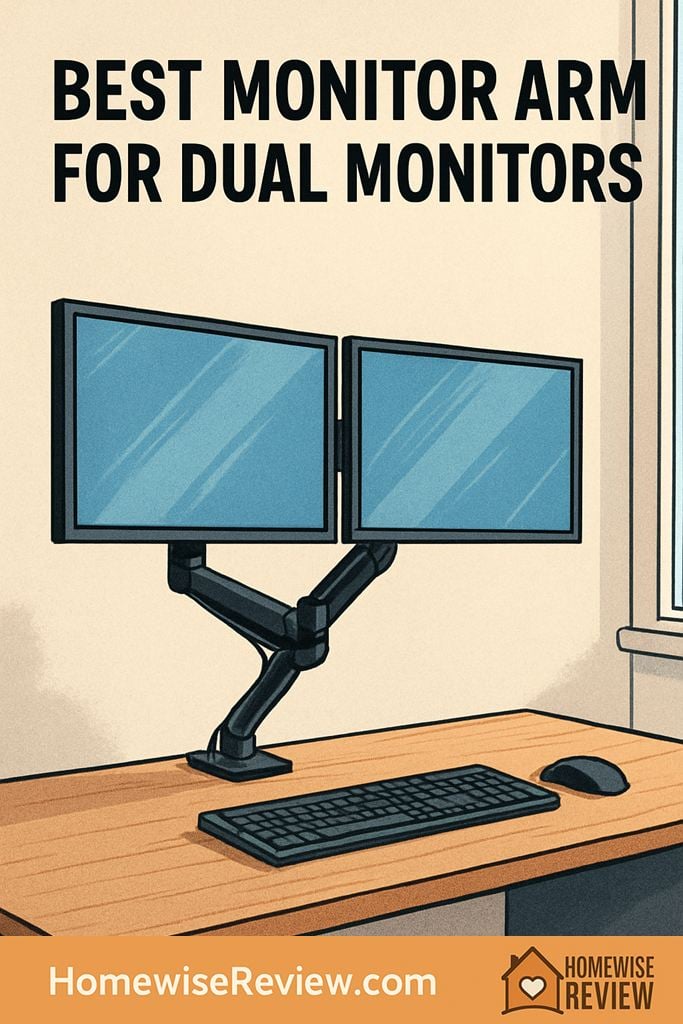
Dual monitors are amazing until they chew up your desk and force your neck into a permanent twist. A solid dual monitor arm puts both screens at the right height, frees space, and makes your setup feel instantly calmer.
In-depth Reviews
Ergotron LX Dual Side-by-Side Arm
- Stays put once you set it, even with frequent repositioning
- Smooth, controlled movement that makes alignment easier
- Feels stable at normal typing and standing-desk vibration levels
- Costs more than most dual arms
- Takes a few rounds of tension tuning to feel perfect
Humanscale M2.1 Dual Monitor Arm
- Very precise positioning for fine alignment
- Clean, streamlined arm profile that reduces visual clutter
- Excellent day-to-day feel for frequent adjustments
- Premium pricing can be hard to justify for casual use
- Some desks benefit from grommet mounting for maximum stability
Jarvis Dual Monitor Arm
- Easy repositioning for sit-stand transitions
- Straightforward setup and tuning process
- Good stability for typical home office monitor pairs
- Not the best choice for very heavy, uneven monitor pairs
- Cable routing is functional but not the most hidden
Ergotron LX Dual Stacking Arm (Tall Pole)
- Great way to save desk width without sacrificing two screens
- Stable stacked layout that feels secure once set
- Keeps your main screen centered for better posture
- Taller setups can amplify desk wobble on lighter desks
- Stacked layouts are less comfortable for constant side-by-side comparison
VIVO Dual LCD Monitor Desk Mount (STAND-V002)
- Big desk-space win for the price
- Works well once you set it and leave it
- A practical entry point for first-time arm buyers
- Less smooth movement and more vibration than premium arms
- Alignment can be finicky if your monitors are different sizes
Buying Guide
What We Wish We Knew Before Buying a Dual Monitor Arm
Measure where your monitor centers need to land, not just the screen size. The ergonomic target is simple: your primary monitor should be centered in front of you, with the top third of the screen around eye level when you sit up straight. Before you mount anything, place your monitors on the desk, stack a few books under them, and find the height and spacing that feels effortless. That quick test makes it obvious whether you need side-by-side width or a stacked layout.
Desk stability matters as much as arm quality. Even an excellent arm cannot fully hide a wobbly desk, and taller poles can make bounce more noticeable. If your desk has flex, clamp the arm closer to a leg or a sturdier section, and keep the arms pulled in rather than fully extended. If your desk has a cable tray or a thick rear lip, consider a grommet mount so the base is anchored through the desktop instead of hanging off the edge.
Plan cable slack like you are setting up a standing desk, even if you are not. Leave enough slack for the full range of motion, then secure cables so they do not tug on the monitor when you pivot left or right. A clean approach is to route cables down each arm, join them near the column, then drop them straight down behind the desk. After everything is tightened, do one last test: move both monitors through their full motion and make sure nothing binds, pulls, or bumps the wall.
Worth Knowing Before You Buy
Do not size a dual monitor arm by screen inches alone. Set your monitors on books first and figure out where the screen centers actually need to sit, because that tells you whether you need wide side-by-side reach or a vertical stacked setup. If you guess wrong, even a solid arm can leave one screen off-center or make you turn your neck more than before.
💡 Editor’s Final Thoughts
Final Verdict: The Ergotron LX Dual Side-by-Side Arm is the top pick for most people because it stays stable, adjusts smoothly, and continues to feel solid years into daily use. If you need a cleaner vertical layout, go with the Ergotron LX Dual Stacking Arm for the most dependable stacked setup.
See also
If you’re cleaning up your workspace, pair a monitor arm upgrade with the best home Bluetooth speakers for desk setups to keep your surface clear while still sounding great.
- Best home audio systems for work and leisure listening
- White noise machines that make it easier to focus at home
- Tiny lifestyle upgrades you can do in under five minutes
- Home scent diffusers for a calmer, cozier workspace
Frequently Asked Questions ▾
Will a dual monitor arm fit my desk?
Most dual arms mount with a clamp that grabs the back edge of your desk, or a grommet mount that bolts through a hole. Before you buy, check that your desk edge is accessible (no rear lip or big cable trough in the way) and that the desktop feels sturdy enough not to flex when you type. If your desk wobbles now, a monitor arm can make that wobble more noticeable, especially with taller poles.
How do I know if my monitors are compatible with a monitor arm?
Start with VESA compatibility: most arms support the common 75x75mm and 100x100mm hole patterns on the back of the display. Next, confirm each monitor’s weight (with the stand removed) falls inside the arm’s supported range, or the screens may drift or refuse to stay up. If your monitor has a curved back or a recessed mounting area, you may also need spacers so the VESA plate sits flat and tight.
Is it better to choose side-by-side or stacked (vertical) for two monitors?
Side-by-side is the most natural for comparing documents, spreadsheets, and chat while keeping both screens near eye level. Stacked works best when your desk is narrow or you want to keep your head turning to a minimum, since you mainly glance up and down instead of left and right. If you do a lot of video calls on one screen and reference work on the other, stacked can feel surprisingly efficient once you dial in the heights.
My monitors droop or won’t hold position. Is the arm defective?
Usually it’s a tension issue, not a defect. Gas-spring arms need their tension adjusted to match your monitor’s weight, and the correct setting can be different for each arm even with two similar-looking monitors. If you’re near the low end of the weight range, some arms can feel “springy” or may not stay put; if you’re near the top end, you may see slow droop. Also check that the VESA screws are snug and that the tilt joint is tightened appropriately.
Should I buy one dual arm or two single monitor arms?
A dual arm is usually cleaner and faster to install, with fewer clamps and a simpler cable path, which is great for most home offices. Two single arms can offer more flexibility if your monitors are different sizes, you want wider separation, or you want to angle each screen dramatically without the arms competing for space. If you expect to change monitors often or add a third screen later, two singles can be the more modular long-term choice.
As an Amazon Associate, we earn from qualifying purchases made through links on our site.